
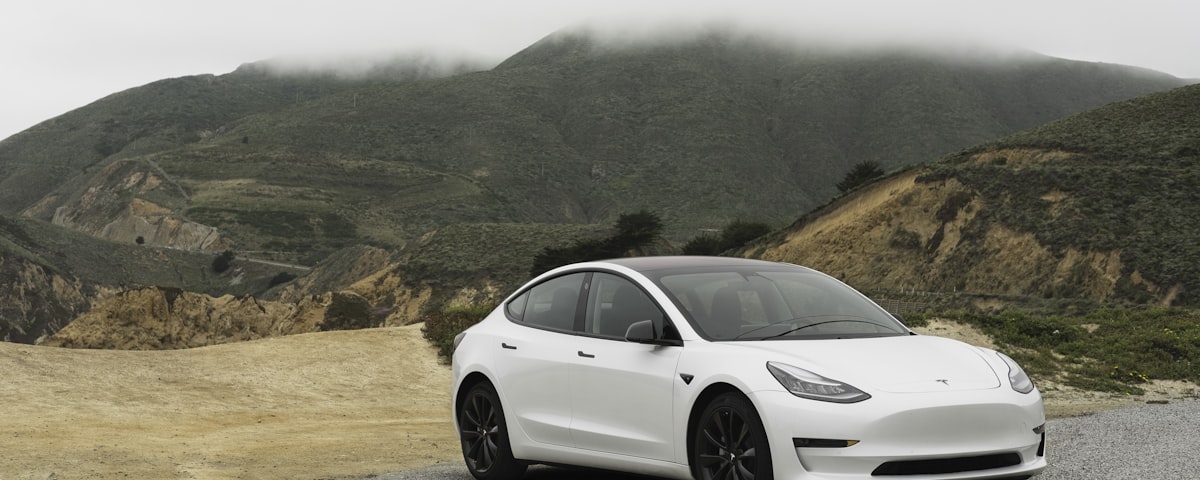
If you skip the account steps, you will still see the car's location and data after the sale — and the new owner cannot set it up properly. Work through the three steps below, then the usual pickup preparation.
1. Factory reset the car
This erases your personal data from the touchscreen: driver profiles, saved addresses, navigation history, paired phones and connected accounts.
- Park the car with enough charge to stay awake through the reset.
- Go to Controls on the touchscreen.
- Tap Service, then Factory Reset.
- Enter your Tesla account email and password to confirm.
- Wait for the car to restart — it comes back on the delivery setup screen.
Do the factory reset before removing the car from the app — the reset needs your account credentials to confirm.
2. Remove the car from your Tesla app
The reset clears the car. This step clears your account, so you no longer have remote access to a car you no longer own.
- Open the Tesla app on your phone.
- Go to your profile menu, or My Products.
- Select the vehicle.
- Follow the prompts to Remove Access or transfer ownership.
3. Gather keys, cables and accessories
Teslas ship with key cards rather than a conventional key — both of them need to travel with the car.
Hand over to the driver
- Both key cards
- Any key fobs you bought separately
Leave in the car
- Registration papers for your country
- Certificate of Conformity (COC)
- Type 2 to Type 2 charging cable (in the trunk)
- Mobile Connector / UMC and any adapters (in the trunk)
Do NOT
- Leave invoices, contracts, or personal documents in the car
- Hand any paperwork to the driver — all contracts are handled digitally
- Leave tinted windows in the front — they must be removed
- Leave your Sentry Mode USB drive behind — the footage is yours
Tesla details worth checking
Supercharging and billingRemoving the car from your account also ends its link to your Supercharger billing. Open the app afterwards and confirm the car is gone from your vehicle list.
SubscriptionsPremium Connectivity and Full Self-Driving are managed from your Tesla account. If you are unsure what happens to yours after a sale, check with Tesla before the reset.
Third-party appsIf you connected a service such as a charging app or a trip logger, revoke its access from your Tesla account as well — a factory reset does not do it for you.
Service historyTesla keeps service records against the VIN rather than a paper service book, so there is nothing to print or leave in the car.
Reset last, not first
A factory reset returns the car to the delivery setup screen. Do it the evening before pickup or the morning of — reset it a week early and you will have to set the car up again just to drive it.
Everything else is the same as any EV
Deregistration, licence plates, timing and who needs to be present do not change because the car is a Tesla.
→ Full pickup preparation guide
→ What to hand over to the driver
On the day
- Factory reset done, car removed from your Tesla app
- Both key cards, registration papers, COC and charging cables ready
- Do not hand paperwork to the driver — everything is digital


